FloodLand - UI art and UX
Responsibilities: UI Art, User Expirience
Developer: Vile Monarch
Publisher: Ravenscourt
Working at Vile Monarch on the FloodLand game was unique for me because I had the opportunity to work in a large team dedicated solely to UI/UX. Having a UX specialist in the team, I could focus on a more artistic role. I was taking care of creating icons, illustrations or choosing the right decorations for windows, searching for an interesting style or composition. There was so much work with this complex project that despite the above I did not miss some UX challenges such as creating solutions and mechanics for a full-screen technology tree panel.
FloodLand A society survival game set in a world destroyed by climate change. Explore, scavenge and build a city to unite the clans.

floodland, main menu, ui, ux, ui art,

Combining resource icons into color groups.

final simplified design for resource icons

An example of the use of resource icons in the Technology Development window. I designed the appearance and mechanics of the window.

An example of the use of resource icons in the Technology Tree window. I designed the appearance and mechanics of the window.

The simple flat form ensures that these icons in any place and in any size will be readable.

An example of a law development tree. I created not only icons for this screen but also designed the whole appearance and mechanics of the tree. I also drew the background of this screen.

UI and UX design. The screen on which each graphic element was created by me. The only exception is the character illustration.

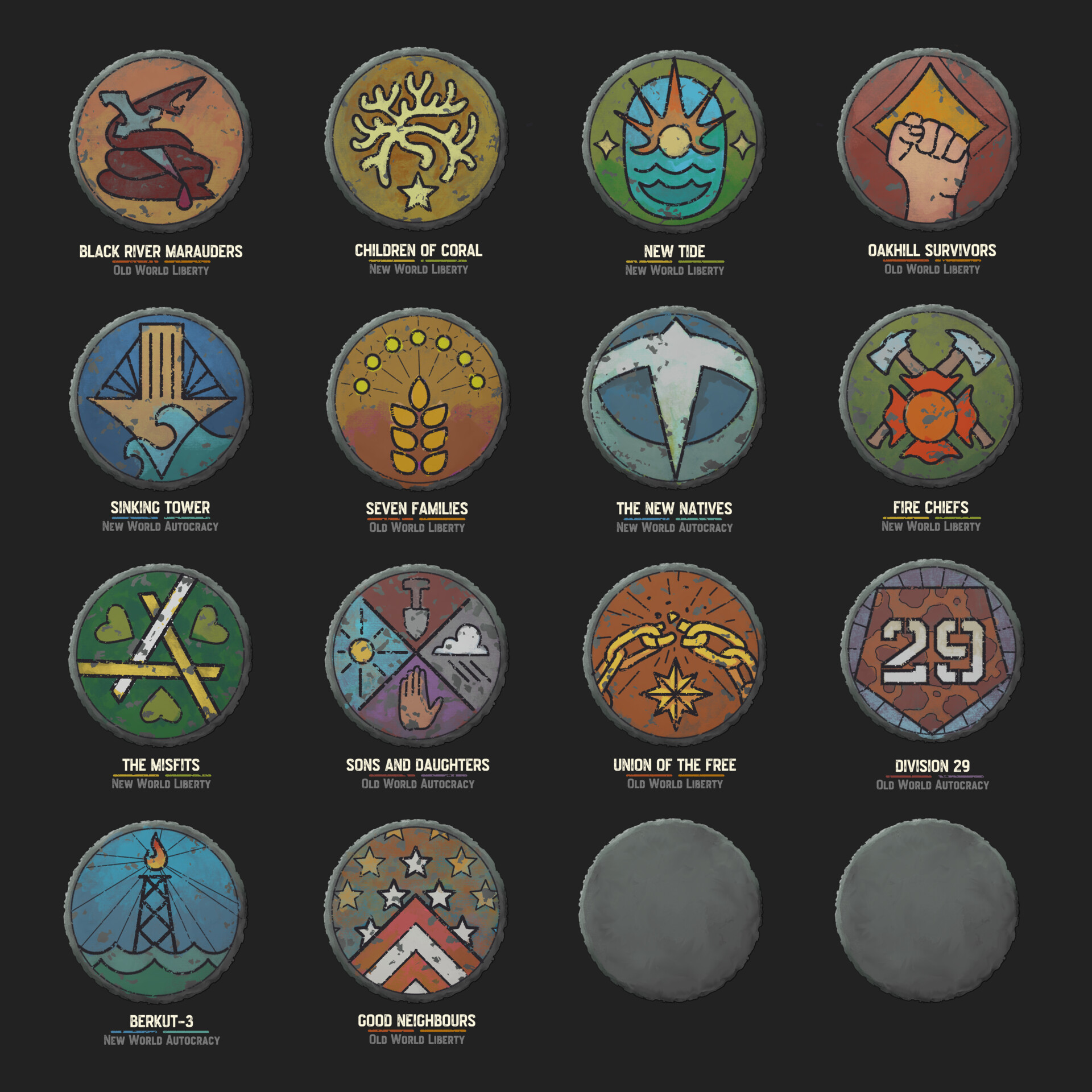
An example of a screen using tribal icons.

UI design of the event window.

My work on this project is not only creating icons and designing full-screen windows. It's also designing in-game solutions and animations.